No products in the cart.

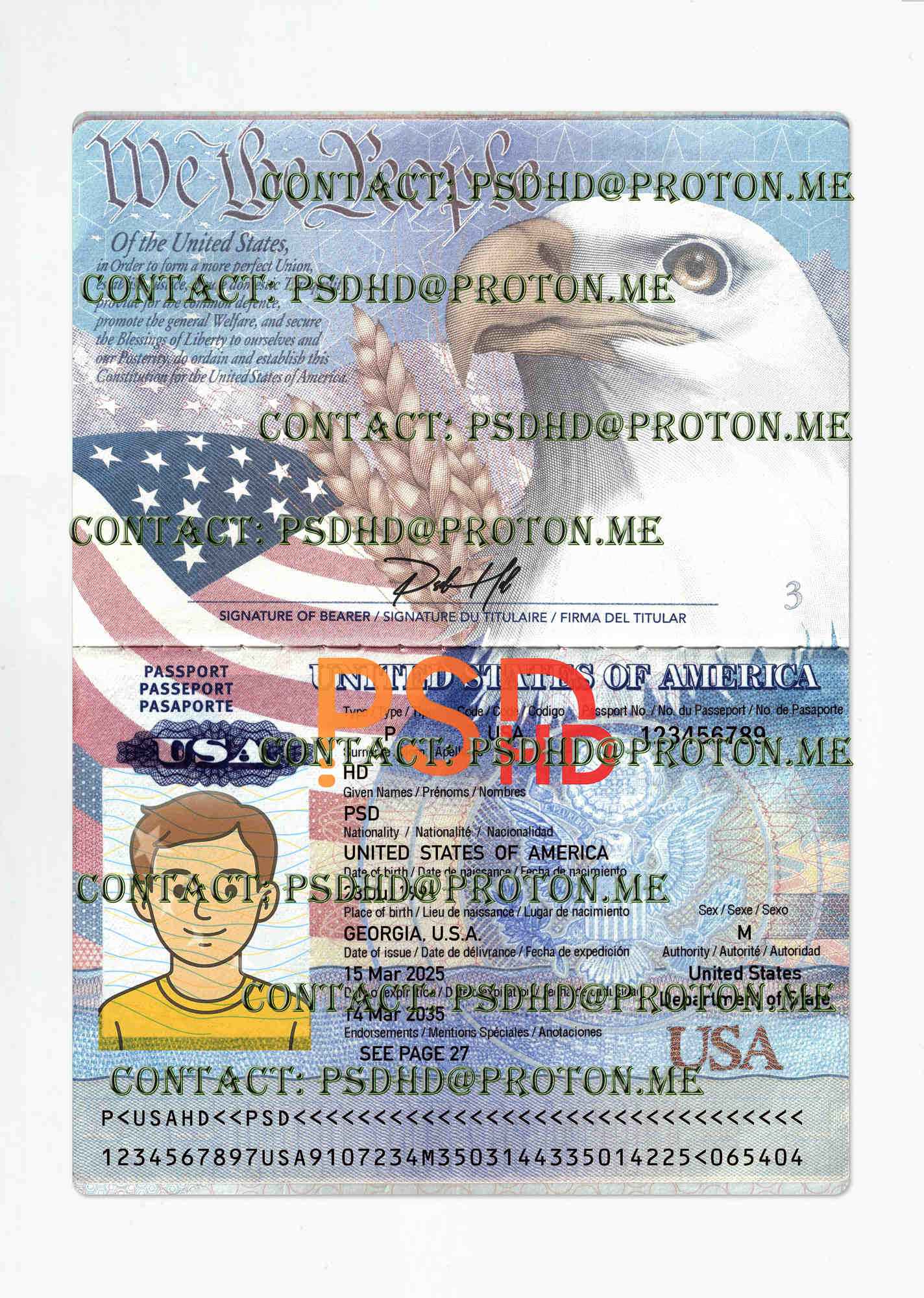
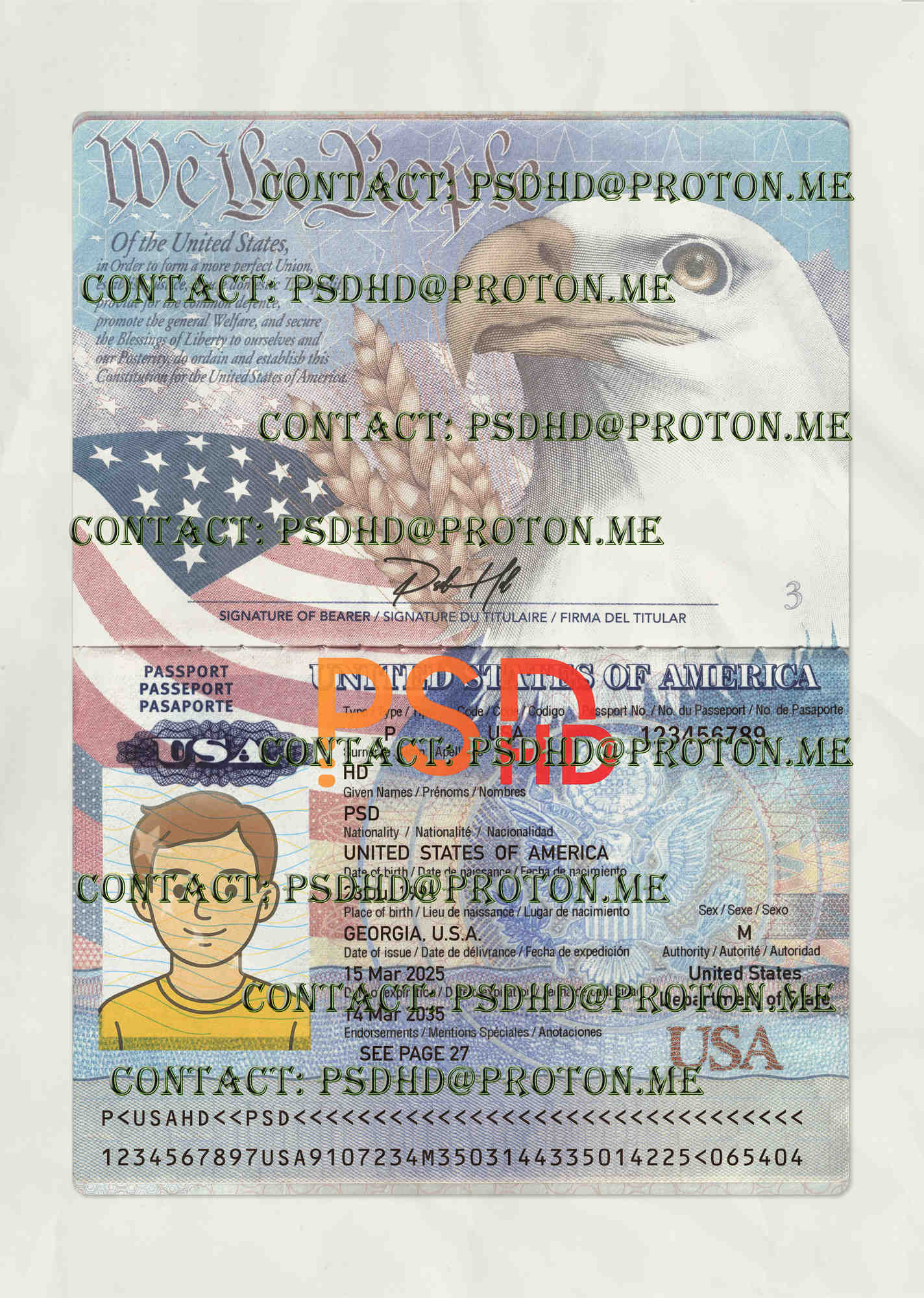
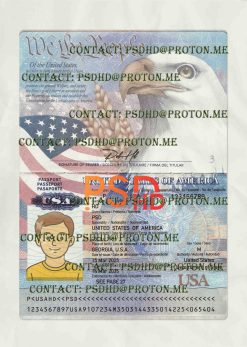
Editable Blank US Passport Template – High Resolution Editable Mockup
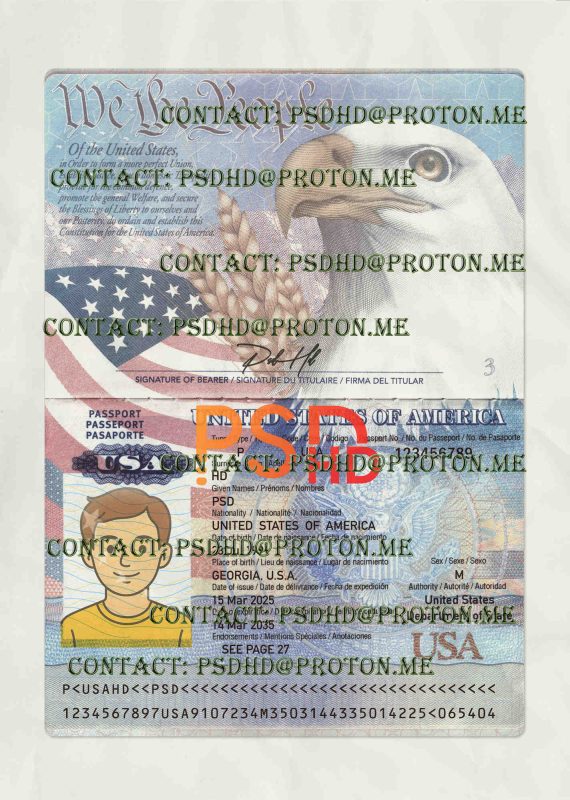
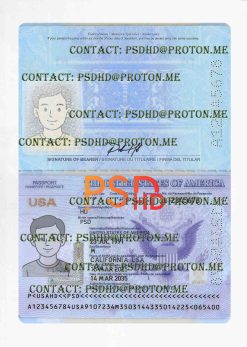
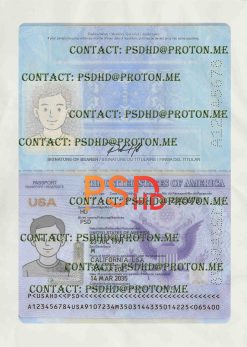
The Editable Blank US Passport Template is a professionally designed, high-resolution PSD created for designers, educators, and creative studios that require a realistic passport-style document layout for mockups and presentations. This template focuses on visual accuracy, clean structure, and full editability.
The Editable Blank US Passport Template – Professional PSD for Creative Work
This US Passport Photoshop Template is ideal for showcasing document-based designs without relying on flattened images or low-quality samples. The layout is carefully structured to resemble real-world passport formatting while remaining flexible for creative and educational use.
Every element in the template is layered and organized to help users understand how professional identity documents are structured. Designers can explore typography hierarchy, spacing, alignment, and background textures in a controlled and editable environment.
Thanks to its high-definition master file, the template delivers sharp text, clear micro-details, and balanced color output across both digital and print mockups.
Key Features of the US Passport Photoshop Template
- High-resolution PSD suitable for professional document mockups.
- Fully layered structure with clearly labeled groups.
- Editable text fields for names, numbers, and document data.
- Photo placeholder layers for easy image replacement.
- Realistic passport proportions for accurate previews.
- Security-style background patterns for visual study.
- Non-destructive Smart Objects for flexible editing.
What’s Included
- 1× fully editable PSD file.
- Help notes explaining layer structure.
- Font folder (if required by the design).
Recommended (Lawful) Uses
The Editable Blank US Passport Template is intended for lawful and creative applications only, including:
- Design portfolios and client-facing mockups.
- Educational demonstrations of document layout and typography.
- Film, television, and visual prop concepts.
- UI/UX previews and presentation visuals.
This template helps users understand how complex documents are assembled while avoiding the need to work with real or sensitive materials.
Important: This asset must not be used for identity fraud, impersonation, or any illegal activity.
How to Use the US Passport Photoshop Template
- Download the ZIP package after purchase.
- Install fonts (Windows)
- Extract the font folder.
- Right-click → Install for all users, or copy to
C:\Windows\Fonts.
Restart Photoshop after installation.
- Extract the template to a working directory.
- Open the PSD in Photoshop and review all grouped layers.
- Edit content using Smart Objects for non-destructive changes.
- Save a copy of your edited file to preserve the original template.
- Export to JPG or PNG using File → Export → Export As.
- The tutorial video is available here.
Technical Specifications
- Format: PSD (Adobe Photoshop)
- Resolution: High-definition master file
- Layers: Fully grouped and named
- Use cases: Mockups, study, portfolio, visual props
- Compatibility: Adobe Photoshop CC and newer
Related Resources & Helpful Links
Browse more templates:
Driver License Template Collection
and
Passport Template PSD.
For general reference on passport documents and design standards, you can learn more about passports on
Wikipedia.
FAQ – US Passport Photoshop Template
What is the Editable Blank US Passport Template?
It is a high-quality PSD mockup created for realistic passport-style presentations and educational design use.
What’s included in the download?
One editable PSD file, a preview image, and guidance notes.
Is it legal to use this template?
Yes, when used strictly for lawful, educational, and creative purposes.
Do I need Photoshop?
Yes. Adobe Photoshop is recommended. You can download it
here.
Disclaimer: This template is provided for lawful, educational, and creative use only. Any misuse is strictly prohibited.
Reviews
There are no reviews yet.